Blog / Jacksonville BMW Dealer

BMW Remote Start: How It Works and How to Check Compatibility

BMW Remote Engine Start feature and controls in a BMW vehicle

We all know that days in Jacksonville, FL can get hot. And even in a car as advanced as a BMW, it can take a second for your air conditioning to cool off your vehicle’s cabin. That’s why BMW remote start is such a great feature.

On a compatible BMW, Remote Start can start the engine before you enter the vehicle and begin preparing the cabin temperature. For Orange Park drivers facing warm weather, that convenience can make everything more comfortable when you get into your BMW. The feature is equipment-dependent, so the first step is confirming that your specific BMW supports it. 

Confirm Availability for Your BMW 

Look for Remote Start in the vehicle’s feature information, owner’s manual, and available settings. The VIN and model year help identify factory equipment and any compatible digital services. Some BMWs may support Remote Start only with certain software, hardware, or activation arrangements. Do not assume that a feature shown in an advertisement or demonstrated on another model is installed on your vehicle, always use the information that came with your specific BMW. 

Ways to Start a Compatible Vehicle 

Depending on the vehicle, a driver may be able to request Remote Start through the My BMW App or a supported vehicle-key function. Activation instructions, prerequisites, and operating limits differ. Follow the instructions supplied for your BMW, including requirements involving vehicle security, ventilation, and local idling rules. Never remotely start a gasoline-powered vehicle in an enclosed garage. 

Why the Option May Be Missing 

If Remote Start does not appear in the My BMW App, check if the vehicle is correctly associated with your account and if the feature is supported and active. Vehicle software, network connectivity, and service eligibility can affect access. If the feature appears but will not operate, check for messages and vehicle conditions identified in the manual. A missing menu option alone does not mean a component has failed.  

Get Help at Tom Bush BMW Orange Park 

Remote Start is a specific feature, separate from BMW Digital Key and broader ConnectedDrive functions. When contacting Tom Bush BMW Orange Park, have your VIN, model year, and a description of the problem ready. The team can help confirm compatibility and determine if a service inspection is appropriate. Explore new BMW inventory to compare available equipment, or contact the service department for assistance.


Posted in:

Related Posts

BMW fuel requirements and recommended octane ratings

Does a BMW Require Higher-Octane Gasoline?

A BMW badge alone doesn't tell you the whole story about what gas you need to put into your tank in Orange Park, FL. Required fuel grades change depending on your BMW's exact model, engine type, and model year. The best place to double-check is right inside your fuel filler door— there’s a sticker right there listing your car’s needs—or in your owner’s manual. It is always worth verifying, especially if you recently switched from a different model or engine style. What Octane Ratings Mean Octane simply measures how well gasoline can withstand premature ignition, often called engine knocking. T hat’s the Anti-Knock Index (AKI) number you see on the pump buttons. It is easy to think that getting the highest-octane gas automatically gives your car extra power, but that isn't quite how it works. Engines are built to run best on specific fuel blends, so following what BMW recommends is far better than just grabbing the most expensive option. Understanding Recommended vs. Minimum Fuel Grades When you check your manual, you might notice two numbers: a recommended octane and a minimum allowed octane. The recommended grade is what helps your BMW hit its full potential for horsepower, fuel economy, and smooth engine performance. The minimum grade is the lowest threshold your engine can safely run on without risking long-term damage. While using the minimum grade can get you by in a pinch, sticking with the recommended fuel gives you the driving experience your car was engineered for. What to Do i f You Accidentally Use the Wrong Fuel If you accidentally put a lower grade of gas in your tank, don't panic. Just drive gently—avoid heavy acceleration, high speeds, or hauling heavy loads—until you use up enough gas to top off the tank with the correct fuel. If the engine starts running rough or a check engine light pops on, give a service department a call to be safe. However, if you accidentally put diesel into a gas BMW (or gas into a diesel), do not start the engine. Leaving the car off prevents the wrong fuel from circulating through your fuel lines and engine, which saves you from a much bigger repair headache. Have Questions? Ask the Experts at Tom Bush BMW Orange Park If you are ever unsure about which gas to use or need help after an accidental mix-up, our team at Tom Bush BMW Orange Park is always happy to help. Just give us a call with your VIN and model year, and we can look up your exact factory specs in seconds. Whether you need a quick answer or want to bring your car in for a checkup, we are here to make sure your BMW keeps running smoothly.

Build and Order a BMW With Tom Bush BMW Orange Park

Build and Order a BMW With Tom Bush BMW Orange Park

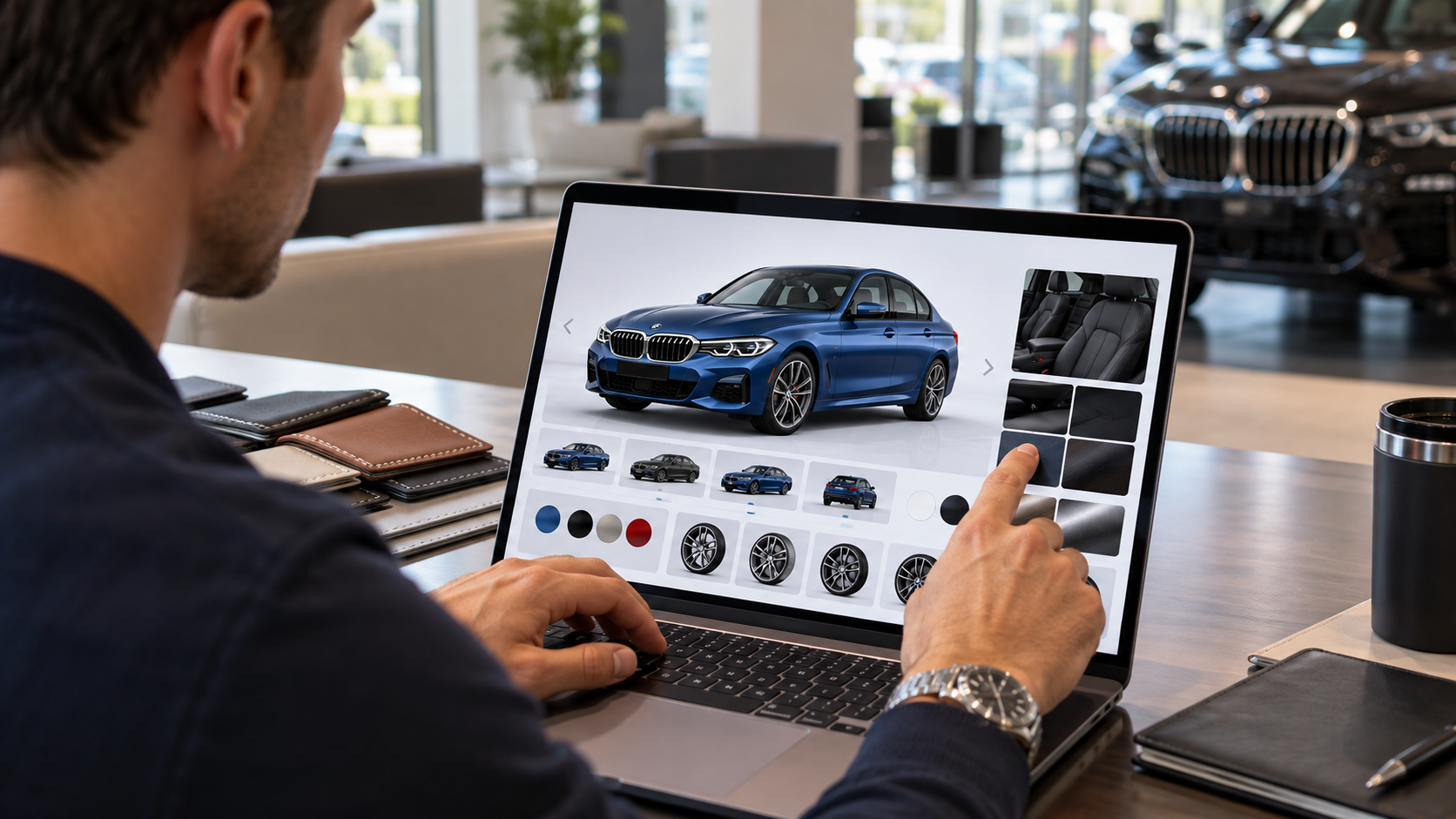
You can build and order a BMW by first defining the model, drivetrain, appearance, and equipment you want. Tom Bush BMW Orange Park can then review that preferred configuration against current inventory and available ordering paths. Therefore, the online build serves as a planning tool before the dealership confirms what can move forward. This approach keeps the process clear while avoiding assumptions about availability, timing, or final pricing. Where Do You Start When Building a BMW? Where do you start when building a BMW? Start with the BMW model and drivetrain because those choices shape the available configuration. A 3 Series, X5, i4, and X7 each begin with a different vehicle format. Therefore, the first decision should reflect your passenger, cargo, commute, and travel needs. Next, review the available drivetrain for the exact model. Some BMW models offer rear drive, xDrive, gasoline power, or electric propulsion. In addition, certain equipment choices may change with the selected drivetrain. That makes the drivetrain an early decision, not a final detail. After the vehicle foundation is clear, move into appearance and cabin selections. Keep a short list of the items you care about most. Mark the model and drivetrain as required choices before reviewing appearance items or optional equipment. Record the exterior color, wheel design, and interior trim combinations that you prefer for the selected model. Separate must have equipment from optional items so the dealership can compare your priorities with available vehicles. This list becomes useful when Tom Bush BMW Orange Park reviews inventory. It also makes later conversations more precise when several vehicles have similar equipment. Choose Colors Wheels Interiors and Packages BMW configuration tools let you work through exterior paint, wheels, upholstery, trim, packages, and other available selections. Can every selection be combined with every other choice? No, available combinations can change by model, drivetrain, package, and current BMW configuration rules. For this reason, build the vehicle in layers. Choose the exterior first, then review wheels and cabin materials. After that, examine packages and individual equipment. A package may add several related features together. It may also change which standalone choices remain available. Furthermore, BMW Individual choices can add another level of personalization on eligible models. Those selections still require confirmation for the exact vehicle. Therefore, a saved build should be treated as a preferred configuration until Tom Bush BMW Orange Park reviews it. As you move through each screen, note what matters most. A specific interior may matter more than a wheel design. Another shopper may care more about a technology package or seating feature. Keeping priorities ranked makes inventory matching easier later. The goal is to create a clear configuration that reflects your needs. It is not to assume every selected item is already available together. What Happens After You Build Your BMW? What happens after you build your BMW? Use the preferred configuration to review inventory and discuss availability with Tom Bush BMW Orange Park. Completing an online build does not mean a vehicle has been ordered. The dealership must still review the selected configuration and the available next step. Save the build details before contacting the dealership. If the tool provides a summary, keep that summary available for the conversation. Screenshots can also help when a specific color, wheel, interior, or package matters. Then bring the configuration into the dealership discussion. Ask whether a current vehicle already matches the required model, drivetrain, and major equipment. Review close matches that preserve your required items while changing only lower priority selections. If no suitable match exists, ask the dealership which ordering paths are available for that configuration. This step protects the distinction between a preferred build and confirmed vehicle availability. It also gives the dealership a defined list to review. Tom Bush BMW Orange Park can then explain what is currently available. The team can also discuss whether another path is appropriate without promising production or delivery timing. Compare Your Build With Current Inventory A preferred configuration gives you a useful filter for current BMW inventory. What if a similar vehicle is already available? Compare the available BMW against your required items before deciding whether another path is necessary. Start with the selections that shape the vehicle most. Model, drivetrain, seating, and major packages usually deserve the closest review. Then compare color, wheels, trim, and smaller options. This order keeps minor differences from outweighing larger priorities. In addition, inventory can change quickly. A vehicle shown online may sell before the next visit. Therefore, confirm current availability with Tom Bush BMW Orange Park before treating any listing as reserved. Current inventory may also reveal combinations you did not consider during the online build. Seeing the cabin materials or wheel design in person can change your preference. Still, keep your required items clear before making that adjustment. The Orange Park inventory path is the safest local next step while the local Build Your Own destination remains unavailable. Therefore, use current inventory and dealership contact options instead of a broken configuration page. Discuss Finance Lease and the Next Dealership Step Finance and lease planning should follow a clearer vehicle choice. When should you discuss payment structure? Begin once the model, major equipment, and likely inventory path are defined. BMW payment estimates can change when equipment changes the vehicle price. Therefore, an estimate created early in the process may change with the final configuration. Tom Bush BMW Orange Park can review available finance and lease paths after the vehicle discussion becomes more specific. Bring your preferred configuration, current inventory match, and payment questions into the same conversation. In addition, ask which figures are estimates and which figures apply to the selected vehicle. This keeps configuration research separate from confirmed transaction details. If a current BMW meets your priorities, the next step may move directly into a finance or lease discussion. If no suitable vehicle is available, the dealership can explain which other paths are currently open. A thoughtful build gives the conversation structure without creating a promise. Choose the BMW you want, rank the equipment that matters most, and review current Orange Park inventory. Then use Tom Bush BMW Orange Park to confirm availability, payment paths, and the next dealership step.

BMW 3 Series vs 5 Series

BMW 3 Series vs 5 Series Guide for Jacksonville Drivers

BMW 3 Series vs 5 Series decisions involve cabin space, trunk room, technology, and road response. Both sedans share familiar BMW design cues and current digital tools. However, their size, weight, and cabin proportions create two distinct paths for Orange Park and Jacksonville travel. The 3 Series keeps a smaller footprint that suits tight parking and busy streets. The 5 Series adds length, wheelbase, rear room, and trunk volume. Therefore, the choice should start with how much space you need and where you drive most. BMW 3 Series and 5 Series Size Comparison How much larger is the 5 Series? The current 530i measures 199.2 inches long, while the 330i measures 185.9 inches. That 13.3 inch gap is easy to notice in a garage or parking space. In addition, the 5 Series wheelbase stretches 117.9 inches. The 3 Series wheelbase measures 112.2 inches. Furthermore, a longer wheelbase gives designers more room between the front and rear axles. Therefore, cabin packaging can devote more space to rear passengers. The shorter 3 Series takes up less pavement, which can simplify tight parking near Jacksonville shops or offices. Comparison Chart 1 Measurement BMW 330i BMW 530i Length 185.9 inches 199.2 inches Width 71.9 inches 74.8 inches Wheelbase 112.2 inches 117.9 inches Curb weight 3,644 pounds 4,041 pounds Trunk volume 16.9 cubic feet 18.3 cubic feet Those numbers matter most when tied to your routine. If your garage is narrow, measure the space before choosing either sedan. If rear passengers ride with you frequently, the larger cabin deserves a closer look. Passenger Space Changes With Wheelbase Where does the extra wheelbase show inside the 5 Series? Much of it appears in the passenger compartment, particularly behind the front seats. Rear legroom measures about 35.2 inches in the 3 Series and 37 inches in the 5 Series. Therefore, adults riding in back may notice the extra room on longer trips. In addition, the difference can matter when front seats move rearward for taller occupants. The 3 Series still seats five and offers useful rear space for shorter trips. However, the 5 Series gives the second row more breathing room. That can matter for families, coworkers, or frequent airport runs. Seat comfort also comes from more than one measurement. Cushion shape, seatback angle, roof shape, and front seat position all change how the cabin feels. Therefore, sit in both rows during a test drive instead of relying only on specifications. Trunk Space for Commuting and Travel Which trunk gives you more room for travel? The 5 Series provides 18.3 cubic feet, while the 3 Series provides 16.9 cubic feet. The difference is 1.4 cubic feet. That is not a dramatic gap, but it can matter when several bags need to fit at once. A Jacksonville airport run may involve carry ons, larger luggage, and personal items in the same load. Furthermore, trunk shape matters too. A wide opening can make bulky bags easier to place, while usable depth changes how luggage stacks. Therefore, open both trunks and test the items you carry most. For daily commuting, either sedan can handle groceries, work bags, and smaller gear. Longer family travel gives the 5 Series more room before the trunk reaches its limit. 330i and 530i Driving Differences Why can two sedans with the same base horsepower feel different? Weight, wheelbase, steering calibration, and chassis tuning change how power reaches the road. The 330i and 530i both produce 255 horsepower and 295 pound feet of torque. However, the 530i weighs about 397 pounds more. In addition, the longer 5 Series places the axles farther apart. Comparison Chart 2 Specification BMW 330i BMW 530i Horsepower 255 255 Torque 295 pound feet 295 pound feet Transmission 8 speed automatic 8 speed automatic Drive layout Rear wheel drive Rear wheel drive Curb weight 3,644 pounds 4,041 pounds Zero to 60 mph 5.6 seconds 5.9 seconds The lighter 3 Series has less mass to move with the same base output. Therefore, it can feel quicker to react when changing direction. The longer 5 Series places more emphasis on cabin space and steady highway travel. A test drive should include slow streets, highway merging, and a few tighter turns. Those roads reveal more than acceleration data alone. Technology Across the Two Sedans What technology should you compare inside each sedan? Start with the interface, driver assistance options, display layout, and controls you use every day. Both current sedans use BMW Operating System 8.5. Therefore, core navigation, media, and connected functions follow a familiar digital structure. In addition, wireless Apple CarPlay and Android Auto appear across the current line. However, cabin design differs around that software. Screen placement, trim, available seating features, roof choices, and driver assistance packages vary by model and configuration. For this reason, compare the exact cars in stock instead of treating the software name as the whole cabin story. Pay attention to how quickly you can reach navigation, climate settings, camera views, and audio controls. In addition, check which assistance packages are installed on the specific sedan you plan to drive. Choosing the Right BMW Sedan for Your Routine Which sedan fits your Orange Park routine more closely? The answer starts with passenger needs, parking space, cargo demands, and the roads you travel most. Choose the 3 Series for a smaller exterior footprint and lower curb weight. Its dimensions fit drivers who want easier placement in tighter spaces. By contrast, the 5 Series gives rear passengers more room and adds trunk volume for longer travel. Before deciding, compare a few details in person: Sit in the rear seat with the front seat adjusted for your normal driving position. Load the trunk with the type of luggage, work gear, or family items you carry. Drive both sedans through city streets and highway traffic before comparing their road response. Tom Bush BMW Orange Park carries current BMW sedan inventory for shoppers near Orange Park and Jacksonville. A side by side test drive can make the differences easier to judge. From there, you can move into the separate comparison landing page or current inventory for the next step.